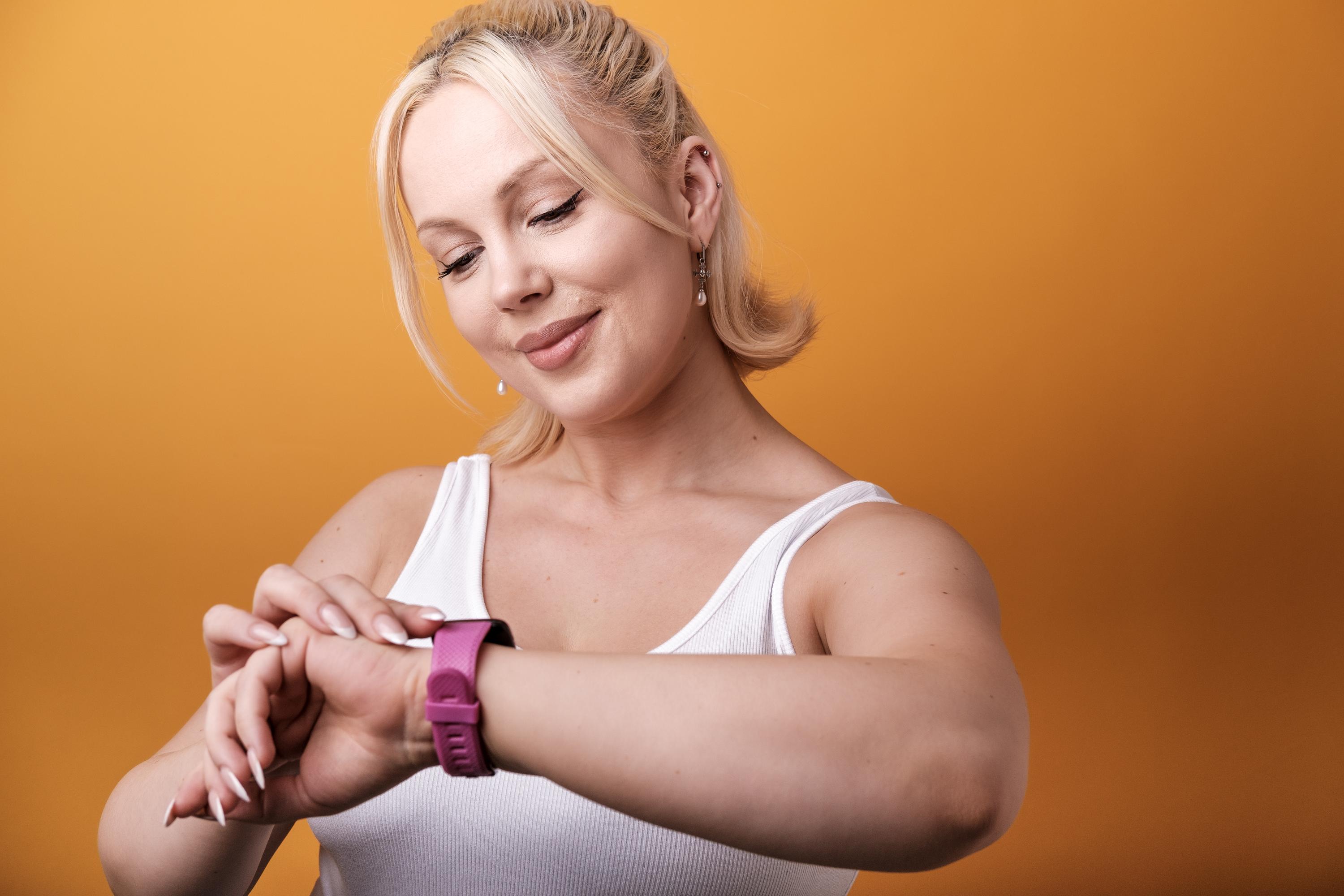
Tracking your kayak workout doesn’t have to be complicated. With PaddlePal, you can start recording your paddle straight from your Apple Watch, keeping your hands free for the stroke. Afterwards, open your iPhone to see the full route, distance, speed and more—all laid out clearly in one place. Ready to keep a better record of your time on the water? Download PaddlePal on the App Store and start a Kayak recording from your Apple Watch before your next outing.
Start Your PaddlePal Session
Taking your kayak workout to the next level is simple with PaddlePal. Start recording directly from your Apple Watch and keep your focus on the water.
Begin a Kayak Workout
To start a session, just press the "Start" button on your Apple Watch. This lets you track your route, speed, and distance without needing to fumble with your phone. As you paddle, your watch collects data effortlessly. It's like having a fitness tracker specifically tailored to kayaking.
If you're worried about missing a stroke, rest assured: your hands stay free while the app does the work. PaddlePal uses GPS to keep tabs on your journey, giving you freedom to enjoy the experience.
Pause and Resume Tracking
Need a moment to take in the scenery? Simply pause your session with a quick tap. Whether you're stopping for a photo or just catching your breath, your session remains intact. This feature ensures that your metrics don't get skewed by breaks.
Resuming is just as easy. A simple tap gets you back on track, seamlessly continuing your workout. It's that straightforward, allowing you to focus on what's most important: the paddle.
Finish and Save Your Session
When your kayaking adventure comes to an end, finishing the session is a breeze. Press "Finish" and your data is stored safely in your iPhone. This gives you a complete overview of your trip: distance covered, time spent, and average speed.
Saving your session means you can review it later. Reflect on your performance, plan future outings, or simply relive the experience. With PaddlePal, your kayak sessions are more than just a memory—they're a record.
Reviewing Your Route and Stats
Once your session is saved, delve into the details. Reviewing your route and stats helps you understand your performance and set future goals.
Explore Your Kayak Route Map
The kayak route map is available right on your iPhone. It displays your entire journey, allowing you to see exactly where you've been. This visual tool is perfect for discovering new routes or revisiting favourite spots.
The map provides a clear picture of your path, making it easier to plan future adventures. Whether you're aiming to improve or just enjoy the view, this feature keeps your experiences vivid and actionable.
Check Key Performance Stats
Performance stats are crucial for tracking progress. With PaddlePal, you can easily access your distance, speed, and time. These metrics help you understand your strengths and areas for improvement.
By checking these stats regularly, you can develop a tailored training plan. Track your progress over time and hit personal milestones with confidence. PaddlePal turns raw data into meaningful insights.
Add Notes and Photos to Logbook
Enhance your logbook with notes and photos. Document your thoughts or capture breathtaking moments on the water. This personal touch makes your logbook a true reflection of your paddling journey.
Adding detailed entries transforms your data into stories. It’s not just about numbers; it’s about memories and experiences. With PaddlePal, your logbook becomes a treasure trove of kayaking adventures.
Enhance Your Kayaking Experience
Ready to elevate your paddling journey? PaddlePal offers additional features to enrich your experience and keep you connected.
Download PaddlePal on the App Store
First things first: download PaddlePal from the App Store. This brings the power of a dedicated kayak tracker to your wrist and phone. It’s your all-in-one tool for planning, tracking, and reviewing your paddles.
Sync with Apple Health and Strava
Syncing with Apple Health and Strava is seamless. This integration means you can view your kayaking metrics alongside other fitness activities. See how kayaking complements your overall health and fitness goals.
By connecting with these platforms, you keep all your data in one place. This makes it easier to track progress and stay motivated.
Share Your Kayak Adventures
Sharing your adventures is easy. PaddlePal allows you to post your routes and photos on social media, connecting you with other paddling enthusiasts. Inspire and be inspired by the community.
Whether it's a stunning sunrise or a challenging new route, sharing enriches the experience. It encourages others to explore and pushes you to achieve more.
Frequently Asked Questions
How do I start recording a kayak session on my Apple Watch?
Starting a session is simple: just press the "Start" button on your Apple Watch. This activates the GPS tracking, capturing your route, speed, and distance as you paddle.
Can I pause my workout and resume it later?
Yes, pausing and resuming is easy with PaddlePal. Tap the screen to pause when needed, and tap again to resume. This ensures your workout data remains accurate.
How do I review my kayak route and performance stats?
After finishing your session, open the app on your iPhone. You'll find a detailed map of your route and key performance stats like distance, speed, and time.
Is it possible to sync PaddlePal with other fitness apps?
Absolutely. PaddlePal syncs with Apple Health and Strava. This allows you to integrate your kayaking workouts with other fitness data for a comprehensive view of your health.
How do I add notes and photos to my logbook?
You can enhance your logbook by adding notes and photos after your session. This feature is available in the app, letting you document your journey in detail.