Your regular paddle deserves to count. The updated Glide Score rewards time on the water, whether you return to a favourite launch spot or explore somewhere new. It also brings your next goal, achievements and points history together in a redesigned screen.
This guide reflects the updated Glide Score. If you used the original exploration score, your existing rank is carried forward.
What is Glide Score?
Glide Score is your personal paddling progress in PaddlePal. Qualifying outings earn points that take you through ten levels, from Paddler to Odyssey Legend. Discovering a new launch area or completing a new planned route adds a small bonus. A familiar paddle earns the same outing points as a new adventure.
How to earn points
- Outing completed: 10 points. Record at least 10 minutes of paddling. Recordings no more than 30 minutes apart are grouped into one outing, so splitting a paddle into several recordings does not multiply its rewards.
- New launch area: 5 extra points. Launch areas are identified by recorded GPS positions, with a new area at least 500 metres from those already in your collection. Each outing can earn one launch-area bonus. Missing GPS does not stop you earning the 10 outing points.
- New planned route: 5 extra points. Complete at least 80% of a planned route that is at least 100 metres long. Each outing can earn one route bonus. Similar routes and the same route in reverse count once.
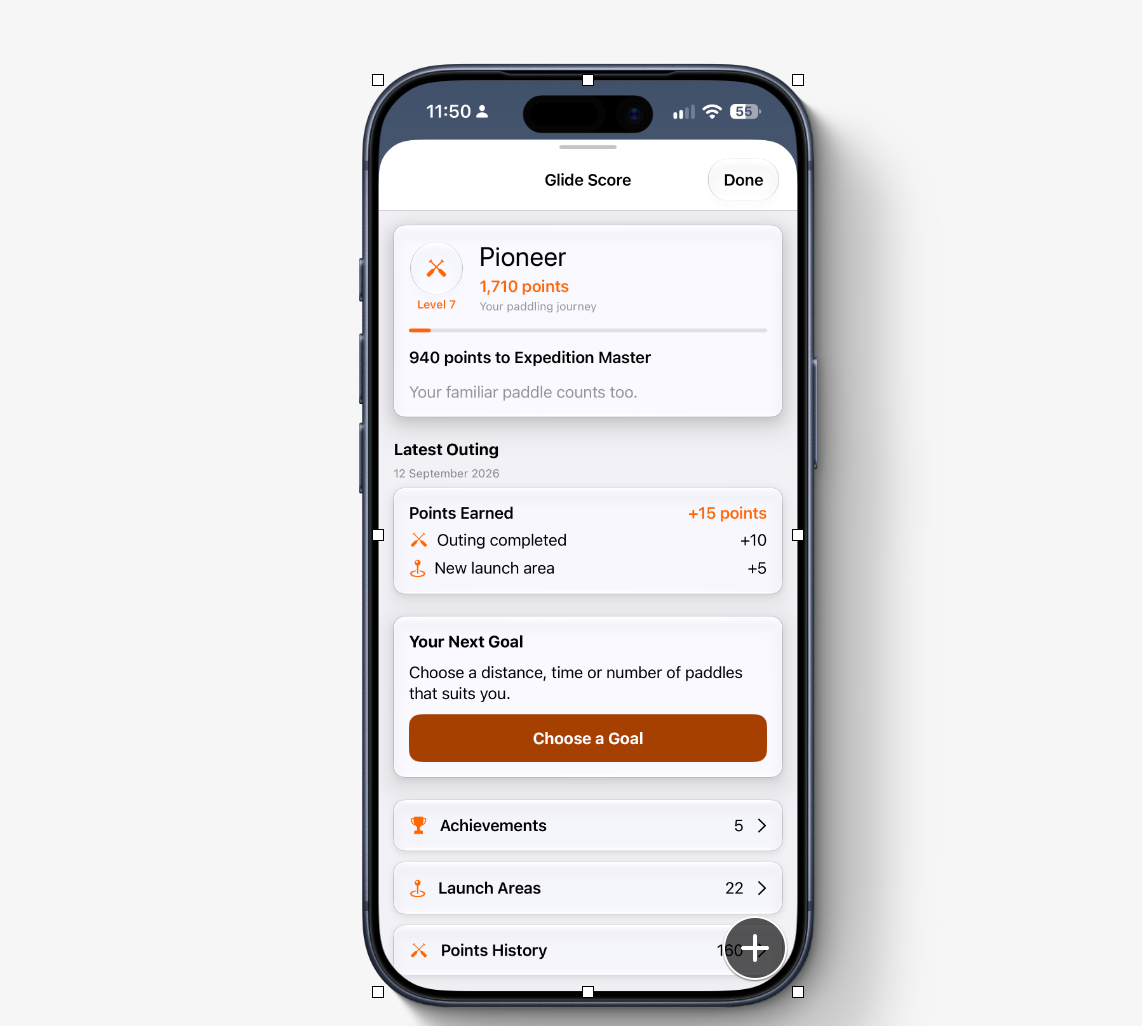
That means a qualifying outing earns 10 points, or up to 20 with both bonuses. The outing in the screenshot earned 15: 10 for completing the outing and 5 for a new launch area. Speed, difficult conditions and extra distance do not multiply your points.
A clearer view of your journey
Tap Glide on the iPhone home screen to open Glide Score. At the top, your rank card shows your level, total points, a progress bar and the points needed for the next rank. In the example above, Pioneer is Level 7, with 1,710 points and 940 points to Expedition Master.
Latest Outing shows the date and a Points Earned card, with separate lines for completing the outing and any launch-area or planned-route bonuses. Further down, Your Points totals the points from outings, new launch areas and planned routes. Expand How Points Work whenever you want to check the rules.
Choose your next goal
Your Next Goal brings a personal target into the same view. Choose a distance, time or number of paddles that suits you. Once you have an active goal, the card shows your progress and a View Goal link. These goals give you something personal to work towards; the points rules stay the same.
Achievements worth keeping
Open Achievements to see earned milestones and those still to discover: your first paddle, 10 outings, 50 outings, 100 km on the water and five launch areas. The same screen lists all ten levels and their points thresholds.
Earned ranks and milestone badges stay earned. There are no streak penalties or deadlines for keeping your rank, so you can take a break and paddle again when it suits you.
Revisit your launch areas and points history
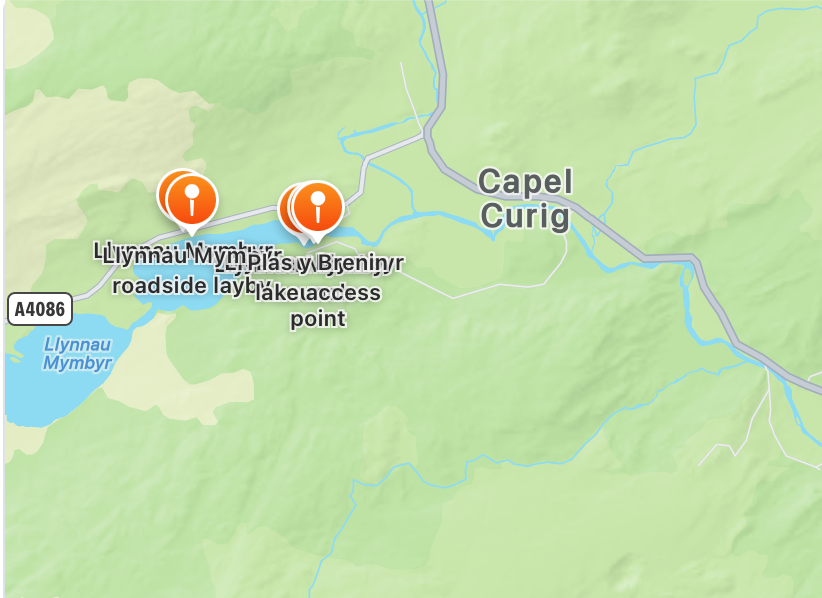
Launch Areas lists the places you have discovered and the dates of your first visits. Open an area to see its map and first-visit date, then use View Paddle to revisit the associated workout when it is available on your device.
Points History shows the rewards from your outings, newest first. Each card breaks down the points earned, so it is easy to see how your total has grown.
Already using Glide Score?
Your workout history is used to calculate the updated score. Existing ranks carry forward, with a one-time Previous rank credit where needed. Editing or deleting workouts can change your points total, while earned ranks and milestone badges remain.
Your pace. Your paddle.
Glide Score is free on iPhone, with no subscription required. Open Glide from the home screen; if you have hidden it, enable it in the app’s preferences. A return to your usual launch spot is just as welcome as a first visit somewhere new.
Download PaddlePal and start building your paddling journey.