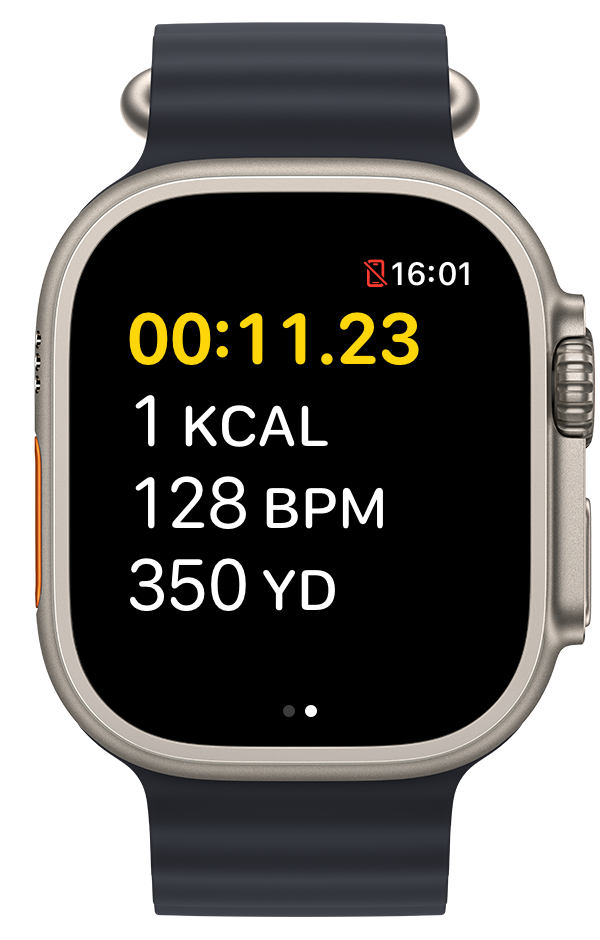
You want a waterproof GPS for kayaking that works without fuss. Most dedicated devices can be bulky or pricey, but there’s a simpler way. PaddlePal lets you record your paddle right from your Apple Watch, which is water-resistant enough for most paddling conditions, while your iPhone stays safe in a waterproof case. Let’s show you how to start a wrist recording and check your route on iPhone—ready to give it a go? Download PaddlePal and try your first recording today. For more about choosing the right GPS for kayaking, you might find this discussion thread insightful.
Embrace Paddle Recording with PaddlePal
Kayaking is a great way to connect with nature, and using PaddlePal makes it even more enjoyable. With the right gear, you can track every stroke and see how far you've gone. Let's explore how PaddlePal fits your needs perfectly.
Waterproof GPS for Kayaking Needs
Looking for a reliable way to track your kayak adventures? Traditional GPS devices can be cumbersome or expensive. PaddlePal offers a simple solution by letting you use your Apple Watch. This approach keeps things light and easy, as the watch is water-resistant, allowing you to keep your iPhone safely tucked away in a waterproof case. With this setup, you can focus on the paddle without worrying about your tech. Many kayakers are turning to wearables for this very reason; it's the convenience of having your route on your wrist without the extra gear.
Why Choose PaddlePal on Apple Watch
Why should you consider PaddlePal over other options? It's all about simplicity and efficiency. Your Apple Watch becomes a powerful tool that records your route seamlessly. You can start, pause, or stop recordings with just a tap, making it perfect for those spontaneous moments out on the water. PaddlePal's integration with your Apple Watch means you don't need to carry extra gadgets. And since the watch is already part of your daily life, it's a natural extension to use it for kayaking too. Having everything you need right on your wrist allows for more focus on what truly matters—enjoying the water.
Starting Your Route on Apple Watch
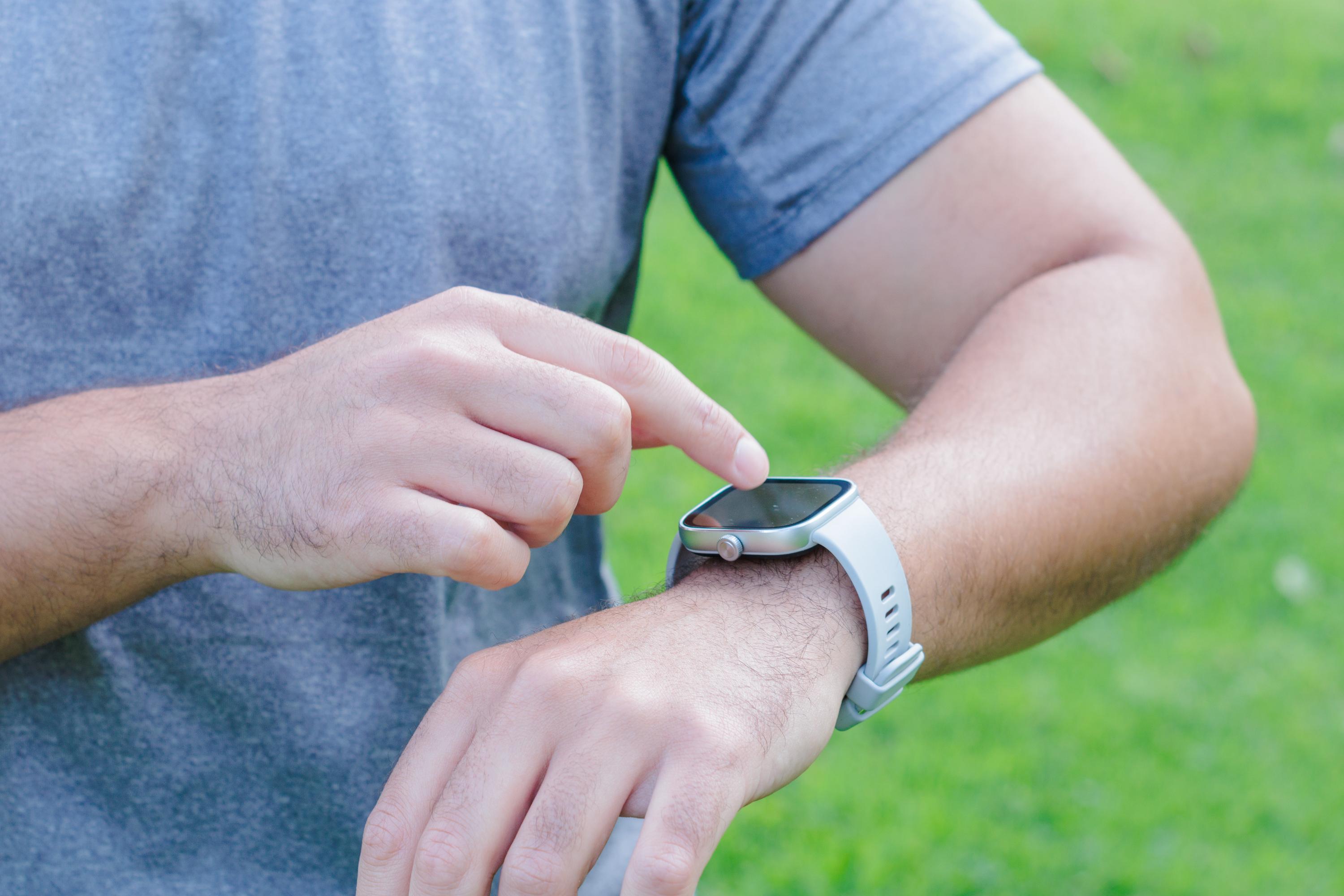
Transitioning from planning to action is straightforward with PaddlePal. Here's how to get going on your next paddle adventure.
Record Kayak Route Step-by-Step
Starting a route is as simple as putting on your Apple Watch. First, open the PaddlePal app on your watch. Tap the start button to begin recording your session. The app will track your distance, speed, and route, providing real-time updates. If you need to pause, just tap the screen. When you're done, press stop, and the session will save automatically. This step-by-step process ensures you won't miss any part of your journey. PaddlePal's intuitive design means anyone can quickly get the hang of it, even if you're not tech-savvy.
Connectivity and Water Resistance Tips
While using PaddlePal, connectivity and water resistance are key. The Apple Watch is designed to handle water exposure, making it ideal for kayaking. However, it's important to ensure the watch is secure and the seal is intact. Keeping your iPhone in a waterproof case is also crucial to prevent water damage. This setup allows you to enjoy your paddle worry-free. For times when connectivity might be an issue, rest assured PaddlePal records data locally on the watch. This means you won't lose your session data, even if your phone isn't nearby.
Reviewing Your Paddle Session
After your paddle, reviewing your journey is both rewarding and insightful. PaddlePal makes it easy to see how you did and where you went.
Kayak Route Tracker on iPhone
Once your paddle is complete, it's time to review. Open the PaddlePal app on your iPhone and view your recorded session. Here, you'll see a detailed map of your route, along with stats like distance and time. This allows you to reflect on your performance and plan improvements for future sessions. Using the app's visuals, you can easily share your adventure with friends or keep it as a personal record of your progress. This feature is perfect for those who love to document their outdoor activities and track their growth over time.
Adding Notes and Photos to Your Journey
Enhance your paddling experience by adding notes and photos to each session. After reviewing your route, you can jot down thoughts or observations from your paddle. Did you see something memorable or learn a new technique? Write it down. Adding photos further enriches your logbook, creating a vibrant visual diary of your adventures. PaddlePal makes it easy to upload images directly from your phone, making memories last longer. These added details transform each session into a story, allowing you to relive the adventure whenever you browse your past paddles.
Frequently Asked Questions
What makes PaddlePal suitable for kayaking?
PaddlePal is designed for ease of use, allowing you to track your route directly from your Apple Watch. This setup is lightweight and convenient, perfect for kayaking.
How do I ensure my devices stay safe on the water?
Use a water-resistant Apple Watch and place your iPhone in a waterproof case. This combination protects your devices while allowing continuous tracking of your adventure.
Can I use PaddlePal without an internet connection?
Yes, PaddlePal records data directly on your Apple Watch, so you don't need an internet connection for the initial recording. Once connected, you can sync and review your session on your iPhone.
How do I start using PaddlePal for kayaking?
Download the PaddlePal app on your iPhone and Apple Watch. Open the app on your watch to start recording your paddle. You'll have a detailed log of your route and performance ready to review afterward.
Is PaddlePal compatible with all Apple Watch models?
PaddlePal is compatible with most Apple Watch models that support apps. Check your model's water resistance to ensure it suits your kayaking needs.